Das Keyboard highlights
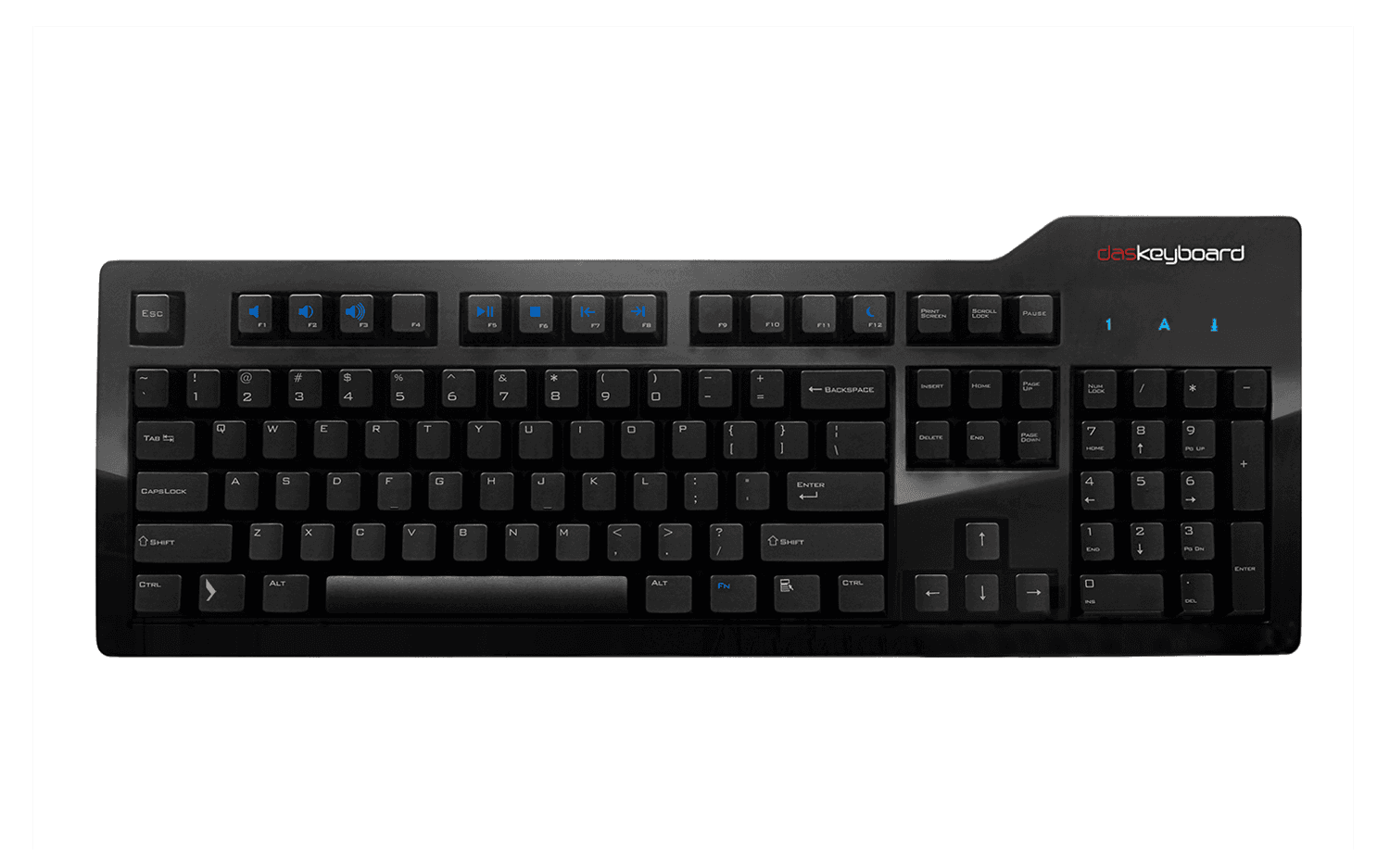
Das Keyboard has been designed for people who spend many hours a day working on a computer and for whom typing productivity and comfort does matter.
Slide show
Both Das Keyboard Professional and Ultimate models are
identical except that the Ultimate is a blank keyboard (there are
no inscriptions on the keys).
German-engineered mechanical key switches:
Das Keyboard compares to the legendary IBM model M. Its best-in-class
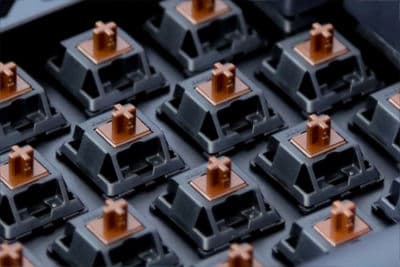
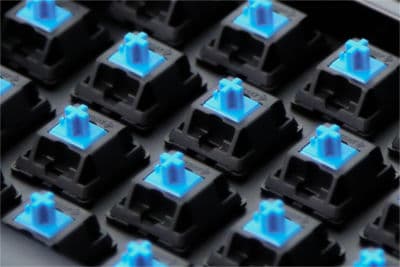
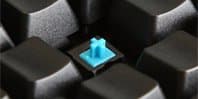
mechanical gold-plated key switches provide a tactile and audio
click that makes typing pure joy.
USB 2.0 hub:
The high-speed USB hub allows to sync and charge your iPhone and
iPod or any USB compatible devices.
Extra-long USB cable:
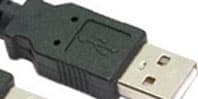
Das Keyboard sports 2-meter (6.6ft) cable that can go through
your desk grommet in order to keep your workspace neat and tidy
N-Key rollover:
Das Keyboard allows up to 12 keys to be pressed simultaneously.
Great for fast typists and gamers alike.
System requirements:
PC or Mac, Windows, Linux, or Mac OSX.
One USB 1.1 or USB 2.0 port, no driver required.
Das Keyboard technical information
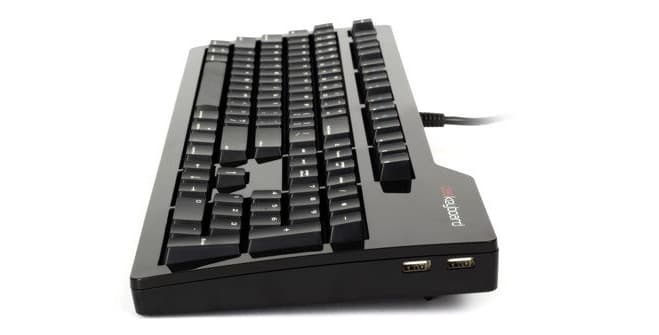
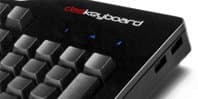
- Glossy black upper enclosure with matching black USB cable, Darth Vader approved.
- Mechanical key switches with gold contacts
- Two-port USB hub 1.1 and 2.0 compatible
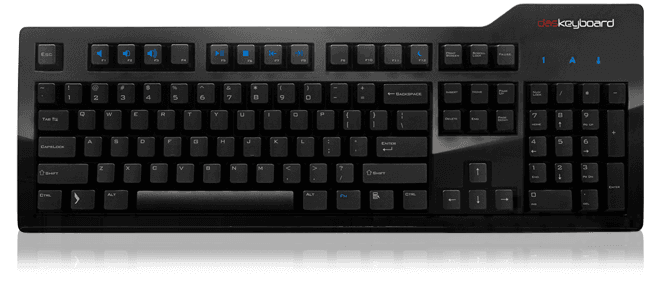
- Blue LEDs
- 2-meter (6.6ft) USB cable
- Enhanced 104 or 105-key layout
- Three Windows keys
- Dimensions: 18in x 6.5in x 1in (thickest portion, feet not extented, 1.5in w/ extended feet)
- Weight: 1.2 Kg, 2.6 lbs
System requirements
- Windows, Linux, or MacOS X
- One USB port
- Mac users can swap the command/control/options keys
to match the Mac keyboard layout using the MacOS X keyboard control panel
Environmental data
- Operating temperature: 0C to +70C
- Operating humidity: 5% to 95%
Electrical data
- Compatible with KVM switches with a USB port
- The USB hub has 2 ports and does not
require an external power supply. It's
compatible with the 1.1 and 2.0 standards.
Both ports can be active at the same time
but one can temporarily shutdown if the
current consumption is too high.
- Compatible with KVM switches
Installation
Das Keyboard does not require the installation of a software driver.
It is plug and play:
- Plug it in
- Wait few seconds for the OS to recognize the new hardware
- Enjoy it
|
|
What people say:
|
“If you are going to get one;
get two: one for you and one for your best friend. ” -- Jean
Vacance
“The feel of Das Keyboard ranks among the best.
I found my typing speed increased and my typo rate noticeably
lower.” -- Tom
Thomas
|
|
“I achieve more with Das Keyboard.
Its design is slick, its sound reassures me I am actually doing some work and its tactile feel
keeps me glued to it.” -- Philippe Herve, President, AccuTechnologies
|
|