Das Keyboard on Linux.
No drivers. Just work.
Every Das Keyboard is a class-compliant USB HID device. Ubuntu, Fedora, Arch, Debian, NixOS, Pop!_OS — plug in a keyboard and start typing. No kernel modules, no vendor daemons, no README.
Shop Linux-ready keyboards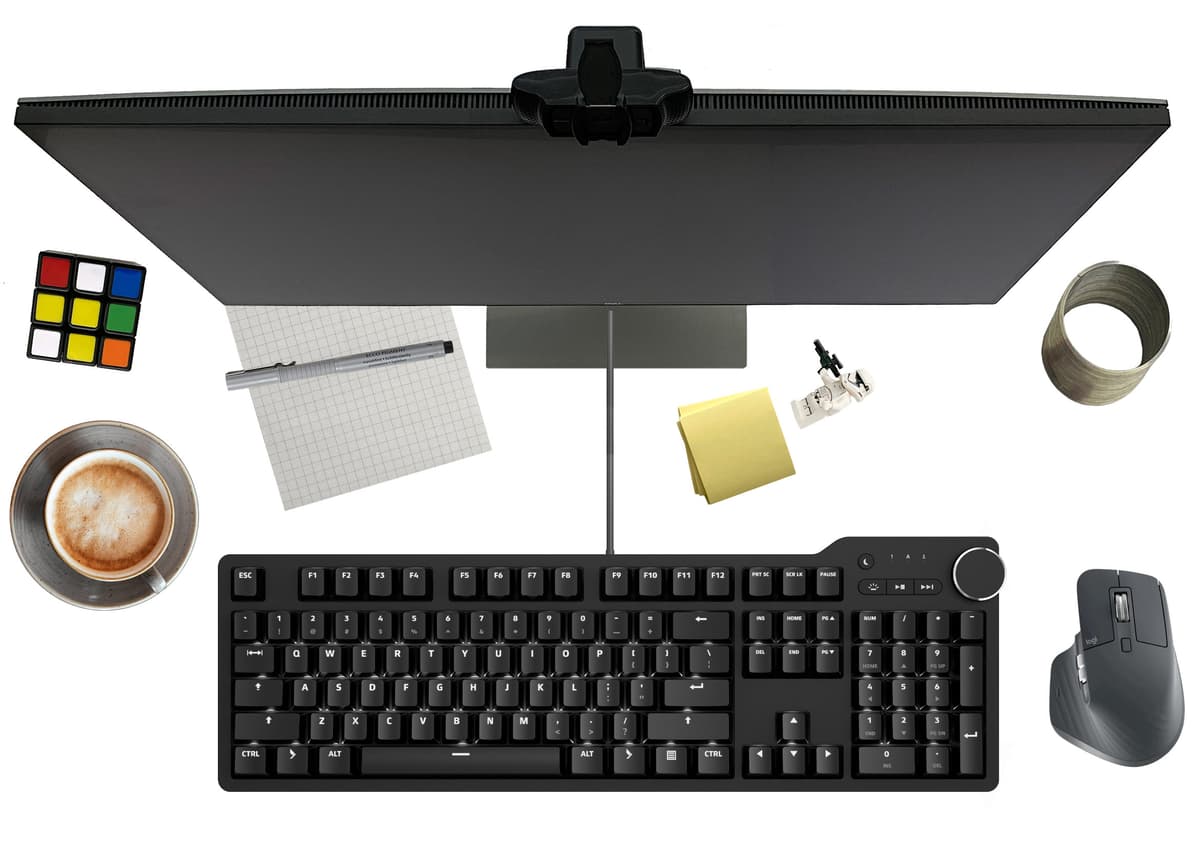
Why it just works
- USB HID class-compliant
Every Das Keyboard is a standard USB input device. No kernel modules, no proprietary drivers, no vendor daemons. Plug in, start typing.
- Works on every distribution
Ubuntu, Fedora, Arch, Debian, NixOS, Pop!_OS, openSUSE, Mint. Anything with a Linux 2.6+ kernel (that is, anything from the last fifteen years).
- Cherry MX switches
Real mechanical switches from Cherry Germany. Brown, Blue, and MX2A variants. Rated for 100 million keystrokes. Built to outlive the distro wars.
- Full NKRO over USB
N-key rollover over USB, not just PS/2. Every key you press registers, even when you are pressing a dozen at once. Matters for games, matters more for Emacs chords.
- Media keys follow the standard
Volume, mute, play/pause, and brightness emit standard HID consumer control codes. GNOME, KDE Plasma, Sway, i3, Hyprland — they all pick them up out of the box.
Notable users
FAQ for Linux-specific concerns
Does Das Keyboard work on Linux?
Yes, out of the box, on every modern Linux distribution. Every Das Keyboard is USB HID class-compliant. Plug it in and it works. No kernel modules, no drivers to install, no vendor software required.
Do I need to install any drivers on Linux?
No. Das Keyboards use the standard USB HID protocol that has been built into the Linux kernel since 2.6. Ubuntu, Fedora, Arch, Debian, NixOS, and every other modern distribution support the keyboard with no additional configuration.
Which Das Keyboard is best for Linux developers?
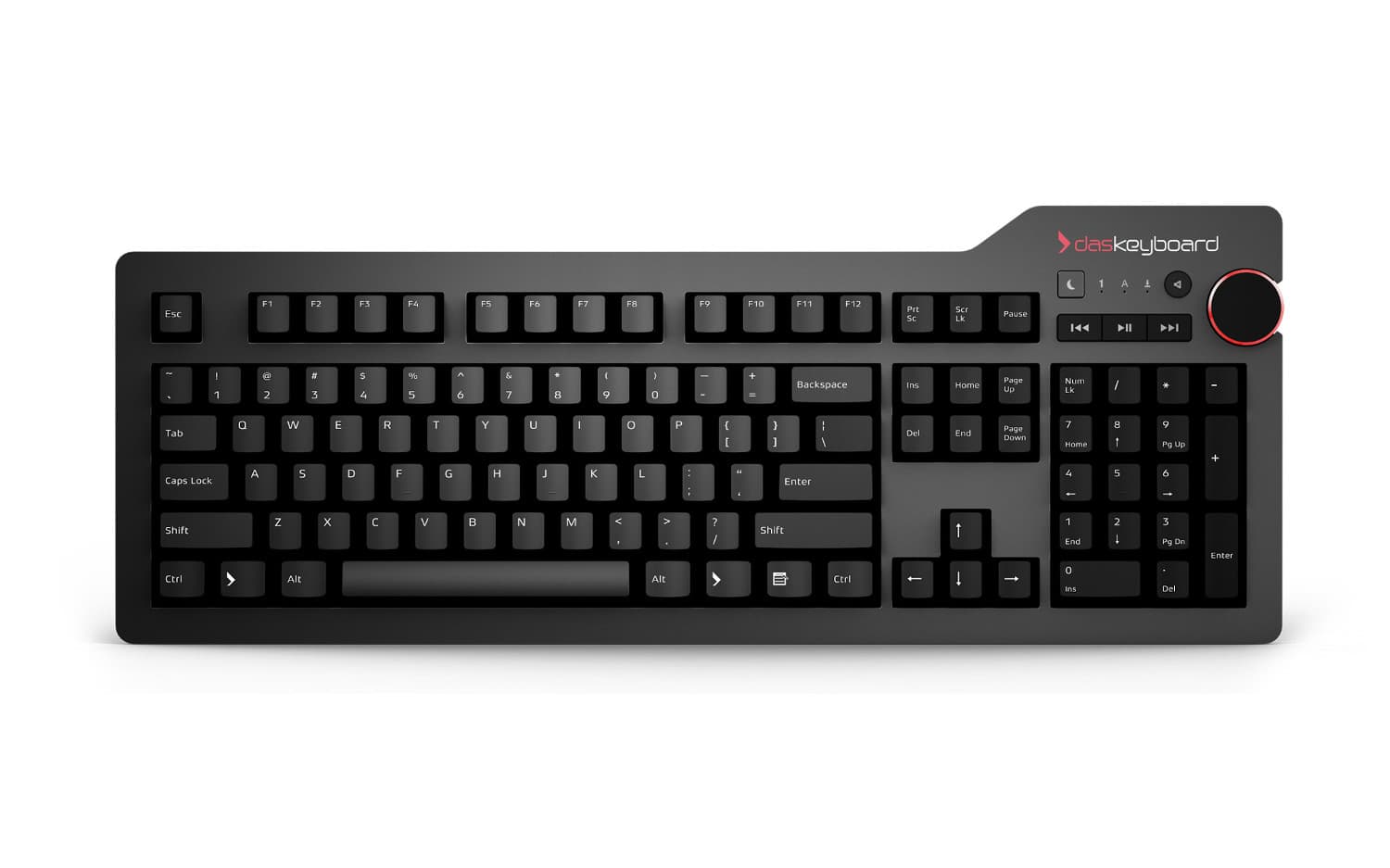
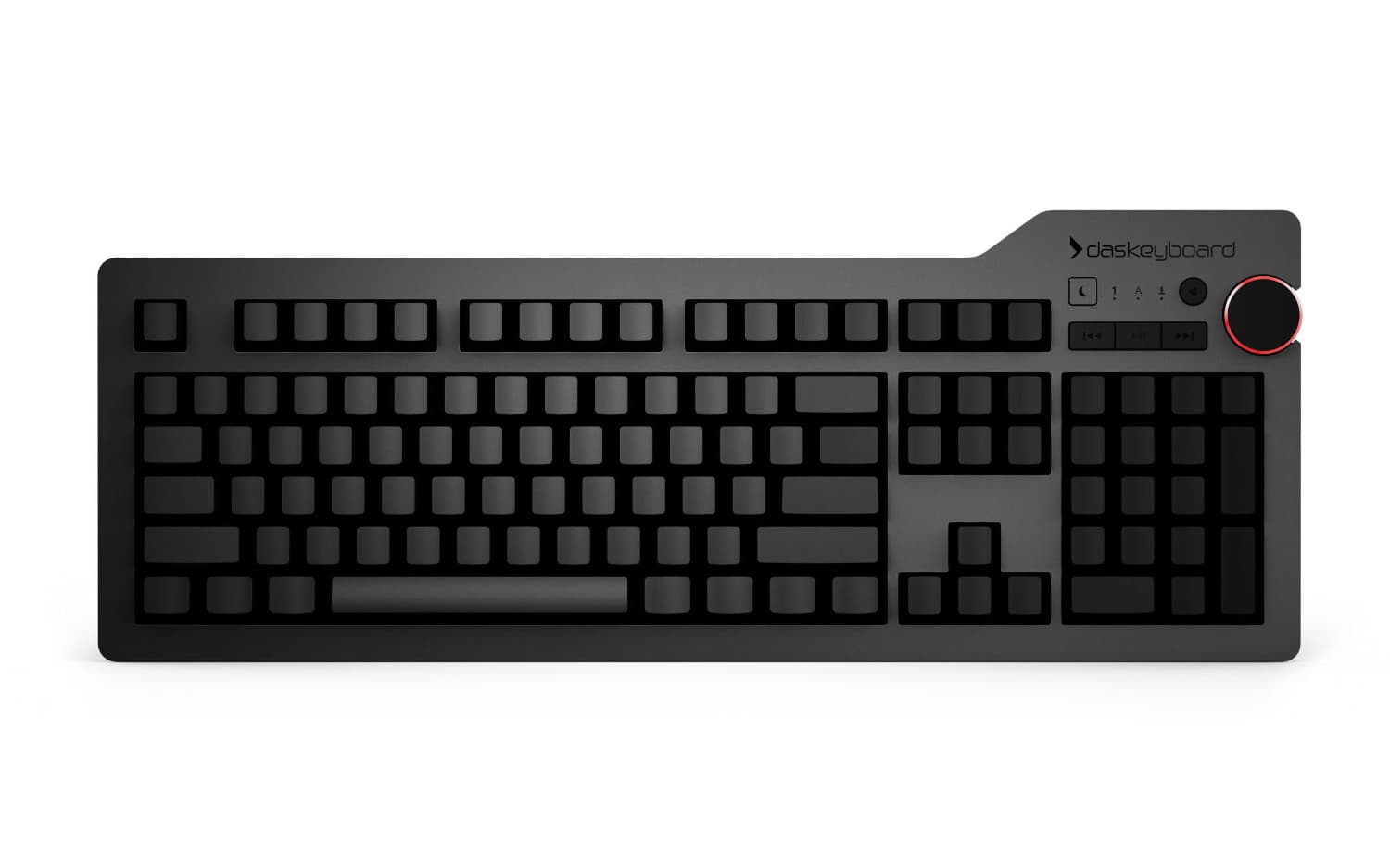
For most Linux developers, the Das Keyboard 6 Professional or the Das Keyboard 4 Professional are the best picks. Both use Cherry MX switches, require zero software, and have standard media controls that Linux desktops handle natively. If you prefer blank keycaps for touch typing, the Das Keyboard 4 Ultimate is the same keyboard with unlabeled keys.
Do the media keys and volume knob work on Linux?
Yes. The dedicated media keys and volume knob send standard HID consumer control codes, which every major Linux desktop environment (GNOME, KDE Plasma, Cinnamon, XFCE) handles natively. Tiling window managers like i3, Sway, and Hyprland handle them too, usually via built-in keycodes you can bind in config.
Does NKRO work over USB on Linux?
Yes. Das Keyboard keyboards with Full NKRO send all simultaneously-pressed keys through USB HID reports. The Linux kernel has no trouble tracking this, so chord-heavy setups (Emacs, Vim macros, gaming) work as expected with no ghosting.
Can I remap keys on Linux?
Absolutely. Since Das Keyboards are standard HID devices, they respect whatever system-level remapping you use. That means xkb for X11, libinput for Wayland, or setxkbmap for Dvorak/Colemak/custom layouts. You can also use xcape, xremap, or keyd for more advanced rebinding. The keycaps stay QWERTY but your muscle memory knows what to do.
Does Q Software run on Linux?
Q Software is primarily built for Das Keyboard's Q-series keyboards (5Q, 5QS, X50Q, DeltaForce 65) and is available for Linux as an AppImage. If you are running a non-Q Das Keyboard (the 4 Pro, 6 Pro, Ultimate, or MacTigr), you do not need Q Software at all — the keyboard is a standard HID device.
Will the keyboard work on Wayland?
Yes. Since Das Keyboards are standard USB HID devices, they are handled by libinput at the kernel/compositor layer, below the X11 vs Wayland distinction. GNOME on Wayland, KDE on Wayland, Sway, Hyprland — all work identically to X11.